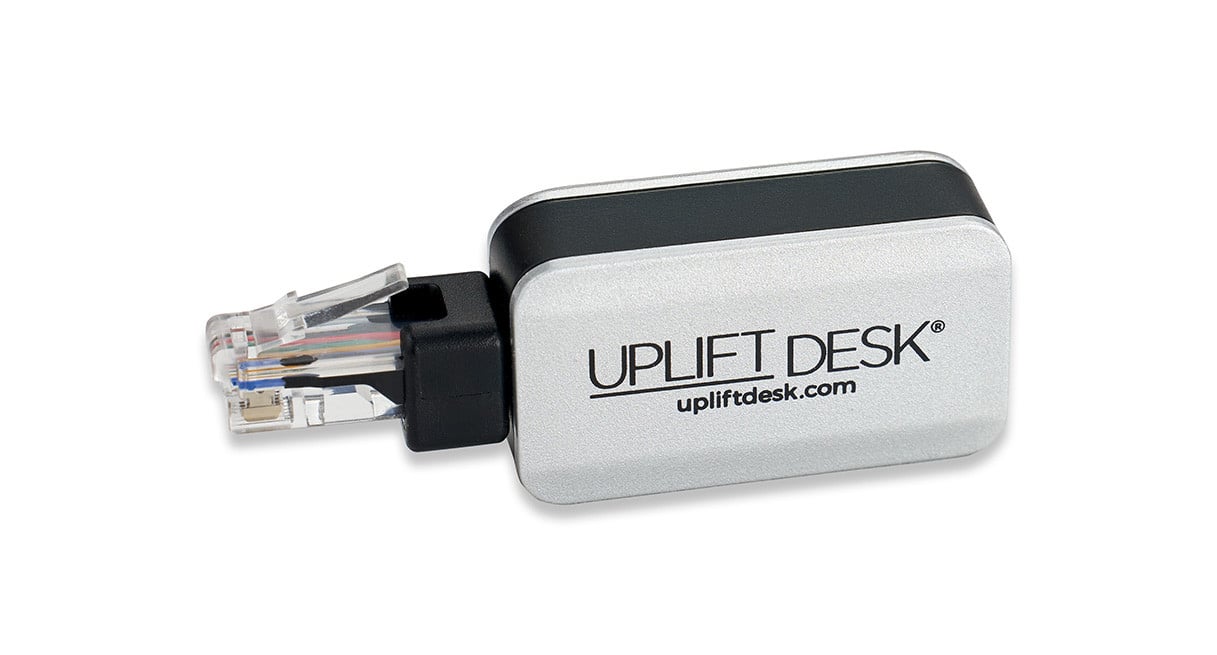
Bluetooth Adapter for UPLIFT Desk App
Explore
Explore
Pair your phone with your desk — Connect your UPLIFT desk to your iOS or Android device using the UPLIFT Desk Bluetooth Adapter and UPLIFT Desk App.
Movement reminders — Create a healthier, more active and rewarding work routine by incorporating regular movement throughout the day with convenient reminders to switch between sitting and standing at timed intervals.
Daily standing goal — Set a daily standing goal; follow your progress, maintain your momentum, and better understand your movement patterns.
Track progress — Monitor seated and standing times, calories burned, and sit/stand cycles over days, weeks, months, and the year.
Saved desk heights — Program presets for one-touch transitions between your perfect sitting and standing heights.
One-touch desk control — Move the desk to a saved height with a single tap on your screen. Relax in your Under Desk Hammock and raise the desk using your phone.
Set desk height limits — Set maximum and minimum height limits to prevent the desk from colliding with objects above or below the desk.
Desk height calibration — Calibrate the app to the desk's actual height to account for desk casters and adjusted leveling glides.
Set work days & times — Set a personalized schedule to ensure sit and stand reminders are only sent during your working hours. The app will not send any notifications if a schedule is not set.
Voice commands (iOS only) — Use Siri to open the app, adjust the desk height, set reminders, and save sitting and standing heights.
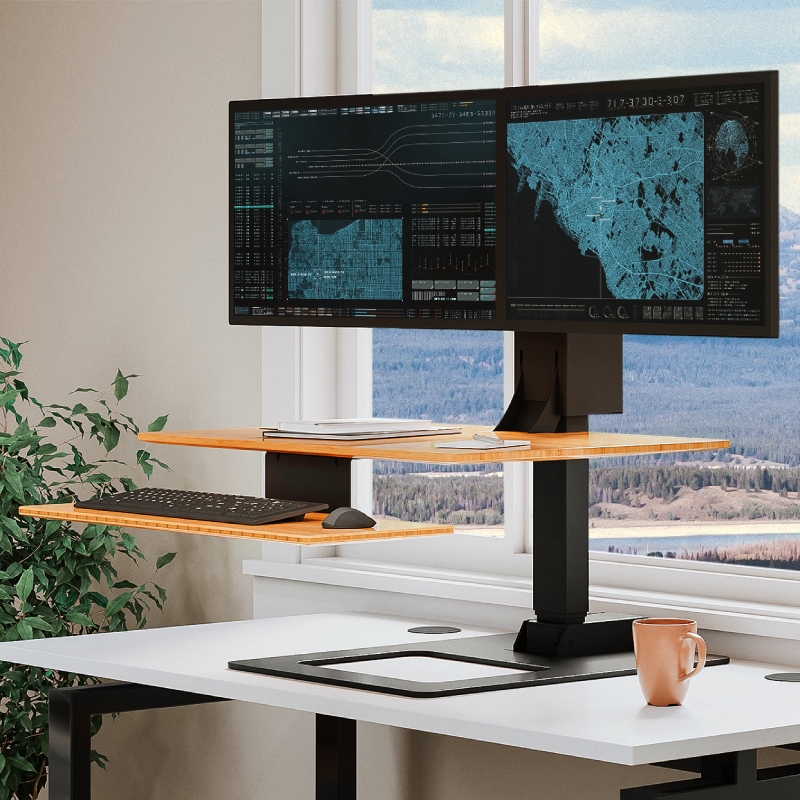
Compatibility — Compatible with UPLIFT V3, V2, and V2-Commercial Height Adjustable desks and the UPLIFT E7 Electric Standing Desk Converter.
Data privacy — The app does not collect, store, or share personal information or desk usage data with anyone, including UPLIFT Desk or your company.


Turn any UPLIFT V3 or V2 Standing Desk into a smart desk and unlock new features to take full control of your UPLIFT setup.
The UPLIFT Desk Bluetooth Adapter can be purchased individually on this page or when ordering a standing desk or E7 Electric Standing Desk Converter.
Quick installation: Follow the simple instructions on the UPLIFT Desk App page to connect a desk and device.
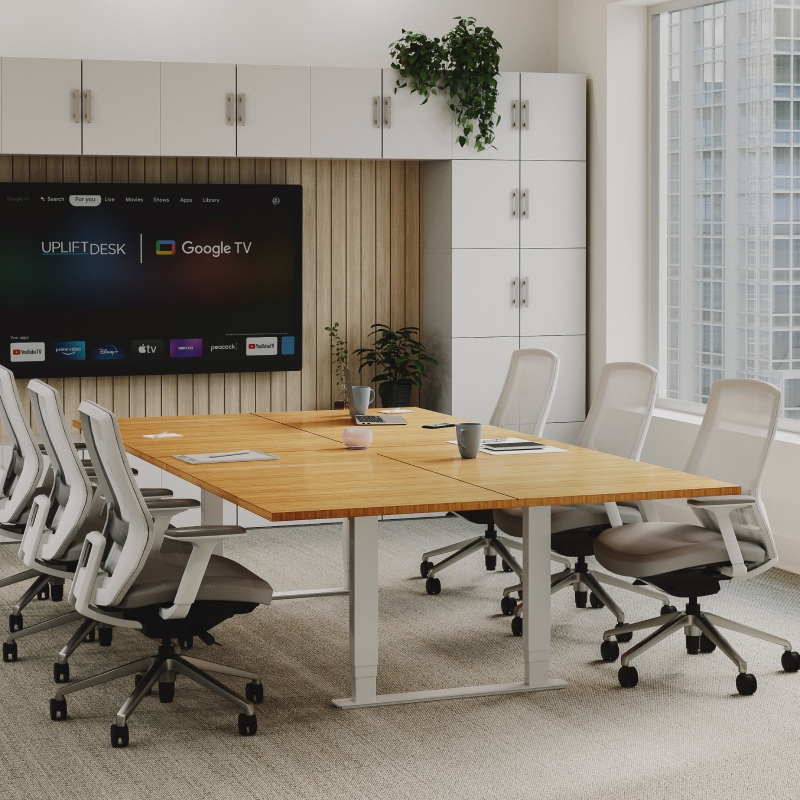
Compatibility: The adapter and app work with most UPLIFT standing desks, conference tables, and the E7 Electric Standing Desk Converter. All control boxes that include a power indicator LED on the top and a port labeled "DC" on the end are compatible with the app and Bluetooth Adapter. Compare the program number that starts with "99" on the label of your control box with the program numbers found on the control box compatibility list (pdf) to determine whether your control box is compatible with the app and adapter. If your control box is not compatible, you can purchase a new one on the control box page.
Upgrade your desk into an intelligent health partner that tracks your goals and reminds you to stay active, all from the convenience of your phone.
Basic Display Keypad | Advanced Keypads | Advanced Paddle Keypad | UPLIFT Desk App | |
|---|---|---|---|---|
Height display | Digital LCD | Auto-dimming LED | Graphical LED | Phone screen |
Memory presets | — | 4 | 2 | 2 |
One-touch adjustment | — | ✅ | ✅ | ✅ |
Daily standing goal | — | — | — | ✅ |
Activity & calorie tracking | — | — | — | ✅ |
Custom work schedule | — | — | — | ✅ |
Voice control (iOS only) | — | — | — | ✅ |
Movement reminders | — | — | ✅ | ✅ |
Anti-collision sensitivity adjustment | ✅ | ✅ | ✅ | ✅ |
Safety lock | — | ✅ | ✅ | — |
Height limits | — | ✅ | ✅ | ✅ |
Height calibration | — | ✅ | ✅ | ✅ |
15-year warranty | ✅ | ✅ | ✅ | ✅ |
Use the app to take advantage of Advanced Keypad features regardless of keypad type.

Move the desk to saved sitting or standing heights with a single touch of the Sit and Stand buttons on the app.
Use the app to calibrate the desk height displayed on the keypad and app.
Especially useful you've installed casters or a leg extension kit.
Set height limits to prevent your desk from colliding with items located above or below the desk.

Perform a Quick Desk Reset if the desk is unresponsive, presents an error code, or is not operating properly.

Use Siri to save desk heights, raise and lower the desk, set sitting and standing reminders, and more.
Currently available for iOS only.
Switch between one-touch and constant-touch adjustability modes.
One-touch mode must be enabled for the Sit and Stand buttons to function properly on the app.