UPLIFT Desk App: Build a standing desk routine
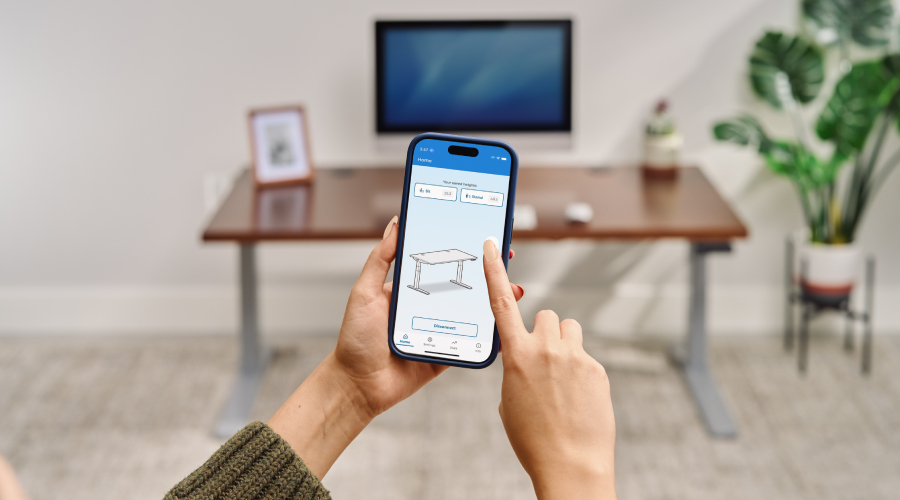
The UPLIFT Desk App connects your phone to your desk and supports a standing desk routine that promotes health and productivity throughout the workday. It stores your preferred heights, prompts you to change position, moves the desk on a single tap, and records your progress over time.
A height adjustable desk makes changes of position available throughout the day. Regular alternation between sitting, standing, and light movement supports circulation, varies the load on your spine, and helps sustain energy through the afternoon. Those benefits come from daily practice, which is the part of the routine the app is designed to carry.
The decision about when to change position moves from a self-prompt to a schedule you set in advance, so the routine holds on your busiest days. Progress is recorded without any effort to log it, which means the question of whether the routine is working has an answer at the end of the week.
What the app does
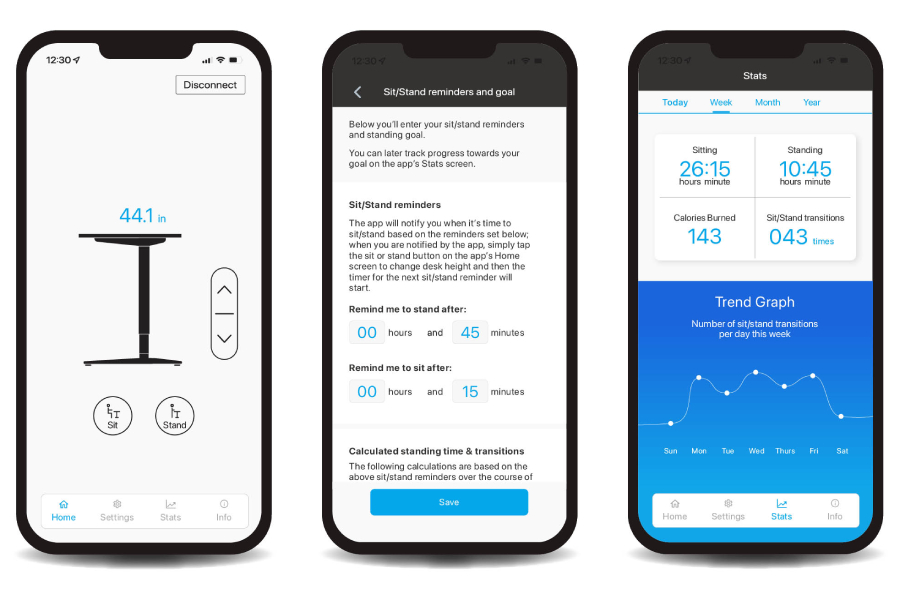
- Movement reminders at intervals you choose, sent only during your working hours
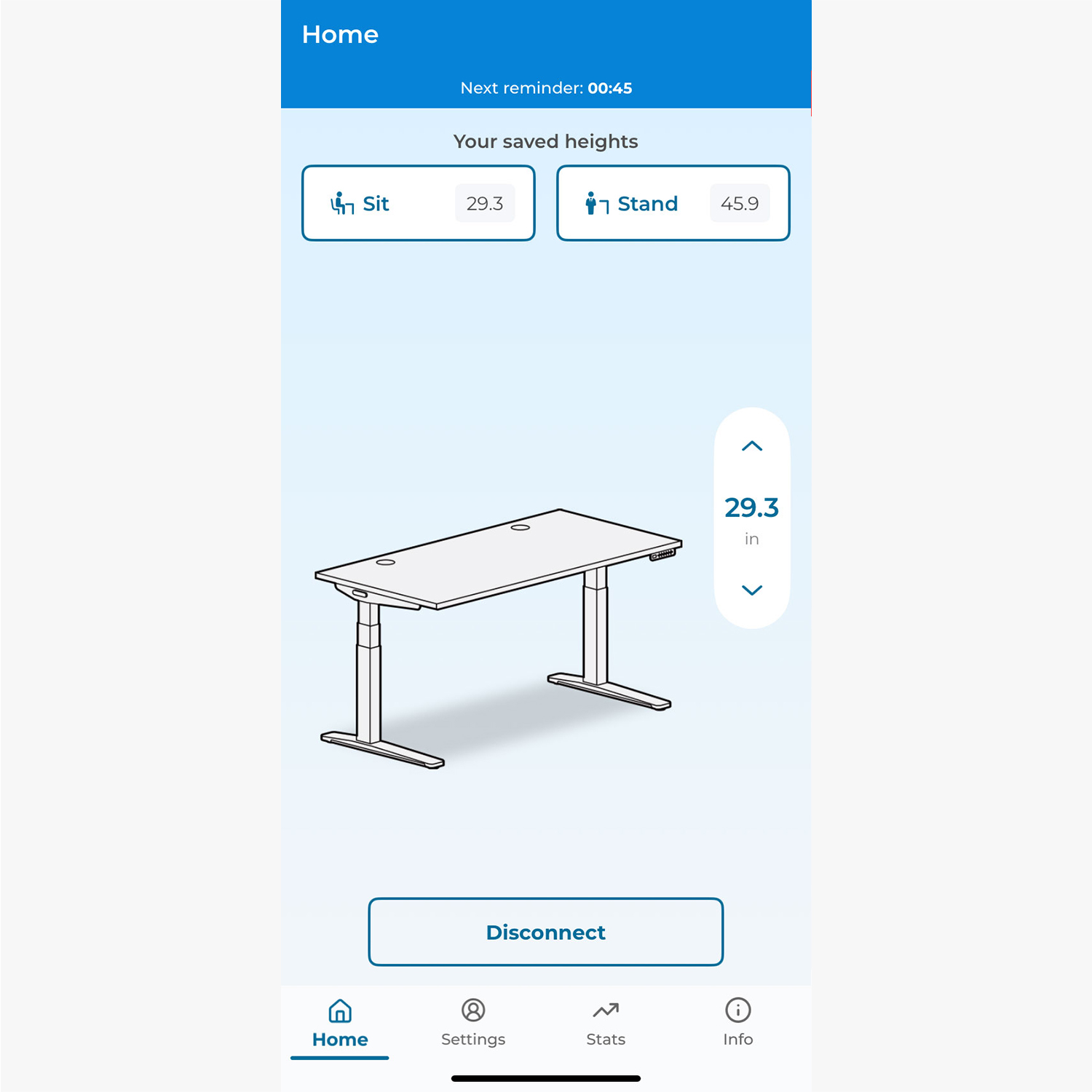
- Saved sitting and standing heights, each reached with a single tap
- A daily standing goal, with progress by day, week, month, and year
- Sit/stand cycle counts and estimated calories burned
- Fine height adjustment with a live height reading as the desk moves
- Height limits that keep the desk clear of shelves, drawers, and monitor arms
- Height calibration for desks fitted with casters or a leg extension kit
- Voice control through Siri on iOS, including height changes and reminders
Compatibility
The app works with UPLIFT V3, V2, and V2-Commercial height adjustable desks, paired over Bluetooth through the UPLIFT Desk Bluetooth Adapter. It runs on iOS 17 or newer and Android 13 or newer. Full requirements are at the end of this guide.
Building the routine
Step 1
Save your sitting and standing heights
Working height is where the routine starts. An inch too high and your shoulders stay slightly raised. An inch too low and they round forward. Neither position registers as uncomfortable in a short session, and both produce neck and shoulder fatigue across a full day.
The app includes an Ergonomic Calculator that recommends desk and monitor positions based on your height. Our introduction to ergonomics covers the reasoning behind those measurements.
Step 2
Set your work schedule and standing goal
The app sends reminders only during the hours you set as your workday, which keeps them clear of your evenings and weekends. Setting those hours is also what turns reminders on.
A daily standing goal gives you a target. Two intervals define the rhythm: how long to sit before a prompt to stand, and how long to stand before a prompt to sit.
The app calculates the total standing time and number of sit/stand cycles those intervals produce across an eight hour day. Seeing those numbers in advance makes it easier to choose a goal that fits the way you work.
For a starting point grounded in research, the 20-8-2 rule offers a well established pattern to build from. Intervals can be adjusted at any time as you learn what suits you.
Step 3
Step away when the app prompts you
The Home screen counts down to your next reminder. That interval is worth spending away from the desk, and two or three minutes is enough to clear the mental fatigue that builds during sustained concentration.
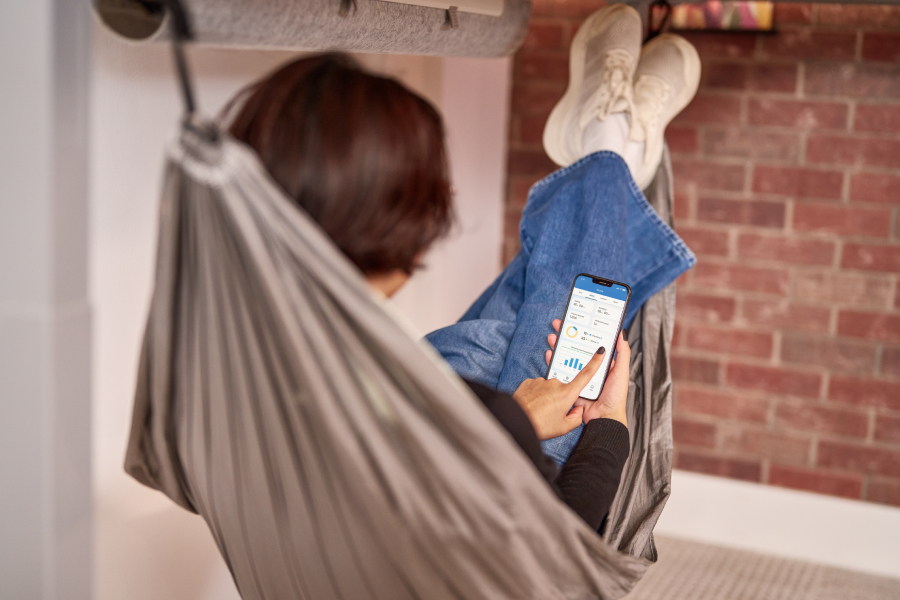
Refilling water, taking a lap of the floor, or carrying a question to a colleague adds circulation. A few light stretches release the shoulders and hips after a long period in one position. Some intervals call for rest, particularly late in the afternoon, and reclining in an Under Desk Hammock or sitting in a lounge area answers that need. Our guide to setting up a workspace for focus covers how brief breaks fit into a working rhythm.
Step 4
Adjust as the task changes
Ideal working height shifts with the task. Close work on a small screen calls for a different position than a video call or a long stretch of reading.
The adjustment is usually a quarter inch. The up and down arrows on the Home screen handle it, with the height shown as the desk moves. Working across a three-posture workspace extends the same principle further by adding a genuine third position alongside sitting and standing.
Step 5
Review your week
The Stats screen reports sitting time, standing time, sit/stand cycles, the percentage split between positions, and estimated calories burned once you have entered your weight. It views by day, week, month, and year.
The week view gives the clearest picture. A week of data shows where the routine holds and where it tends to slip. Many people identify a recurring gap, often a long block of afternoon meetings, and adjust their intervals or schedule to account for it.
The app counts completed sit/stand cycles, meaning a period of sitting followed by a period of standing. A cycle count reflects the pattern you finished, which makes it a closer measure of the routine than a tally of desk movements.
Worth knowing
Heights saved in the app and heights programmed into the keypad are stored separately. Enter the same figures in both so they align, which our post on how memory presets prevent ergonomic drift explains is worth the minute it takes.
Where that record lives
Since the app keeps a history of your movement, it is worth being clear about who can see it. The app does not collect, store, or share personal information or desk usage data. That applies to UPLIFT Desk and to your employer. The record stays on your device, it belongs to you, and removing the app removes it.
Bringing it together
Your heights and hours are set once, and the app handles the timing after that. The routine runs on its own through the day. At the end of the week you can see how the pattern went and adjust what needs adjusting. The movement in between is yours.
What you need
Before you start
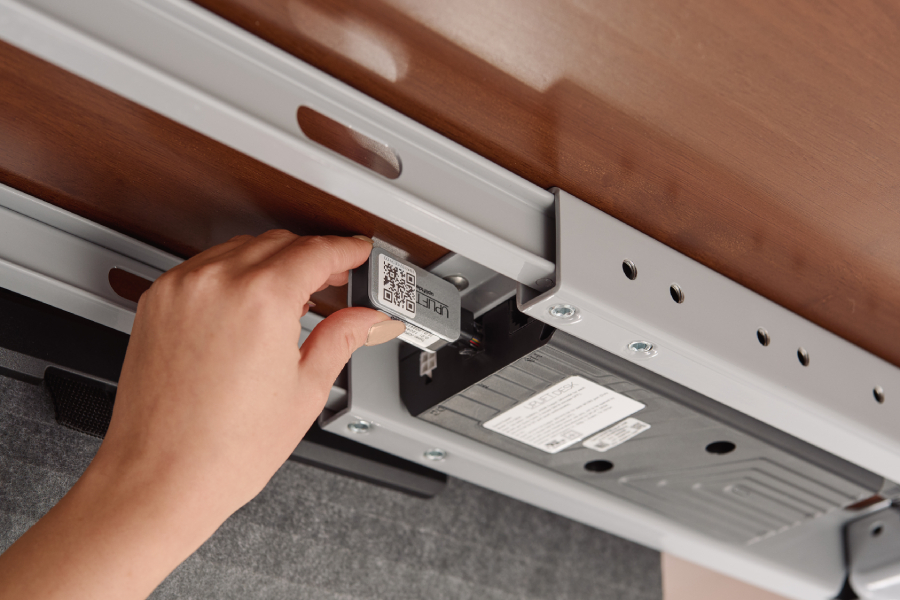
The UPLIFT Desk Bluetooth Adapter links the desk to your phone. Plug it into the port marked F on the control box. Three QR code stickers come in the box, and placing one on a monitor or beside the keypad makes reconnecting quick.
One-touch mode allows the Sit and Stand buttons to send the desk to a saved height. For setups that call for constant-touch mode, the up and down arrows in the app remain available.
Control box compatibility, full setup instructions, and troubleshooting are on the UPLIFT Desk App page.
Get started
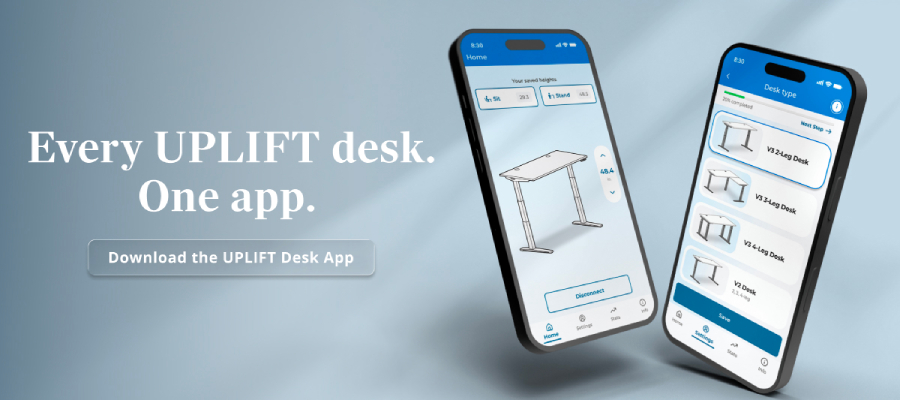
Download the UPLIFT Desk App free for iOS or Android. If you are still choosing a desk, browse UPLIFT height adjustable desks.
Work better. Live healthier.