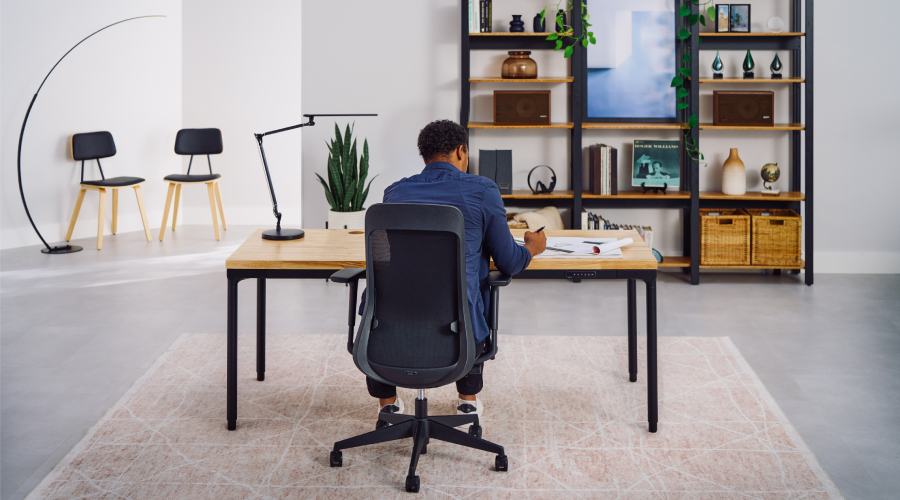
The three-posture workspace: how to set up for sitting, standing, and walking
Sitting isn't the issue. Staying is. Holding one posture for hours, regardless of what the work demands, is harming your health. A standing desk holds every posture ready at any moment, so you can match your desk height to the work in front of you.
A healthier workday moves between three working postures — seated, standing, and walking — and a height-adjustable desk supports all three.
Why posture variety matters
Sitting all day compresses the lower back and stiffens the hips. Standing all day strains the legs, lower back, and feet. Neither posture alone is the answer, because the body needs movement and variation, not one fixed position. Building that variation into a workday requires a deliberate approach.
Posture one: seated, for deep focus
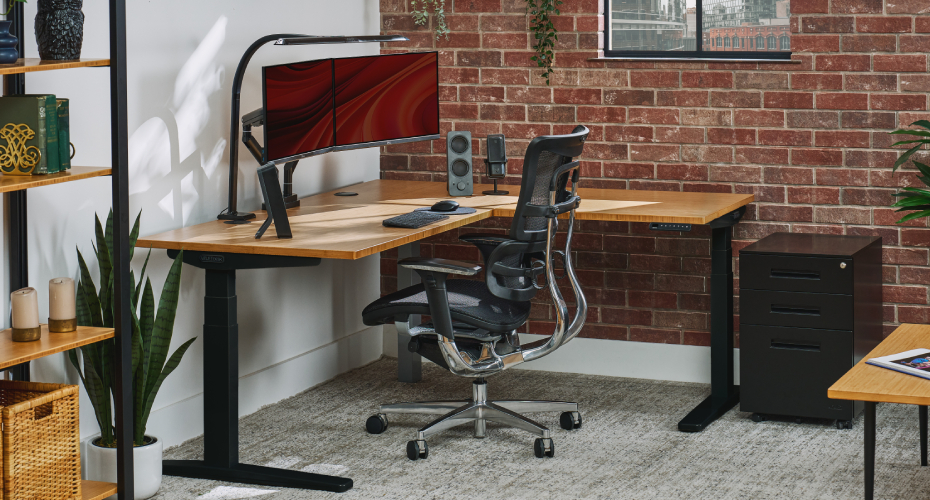
Seated posture is where fine motor precision and sustained concentration are at their strongest. Detailed writing, careful analysis, exact mouse control, extended reading — these are seated tasks.
A seated workspace that's slightly off pays a tax across the workday. Even small misalignments add up. Set the desk an inch too high and the shoulders tighten. Drop the monitor too low below eye level and the neck pulls forward. Pitch the chair too low and the lower back compensates. Individually minor, these misalignments collectively break focus.
The setup
|
Desk height Elbows at 90 degrees with arms hanging naturally at the sides. Thighs parallel to the floor, feet flat. For most adults, this measures between 28” and 30”. |
Monitor position Top of the screen at or slightly below eye level, 18–24 inches from the face. |
Chair Lumbar support engaged. Seat depth should allow two to three fingers between the back of the knee and the seat edge. |
Posture two: standing, for alertness
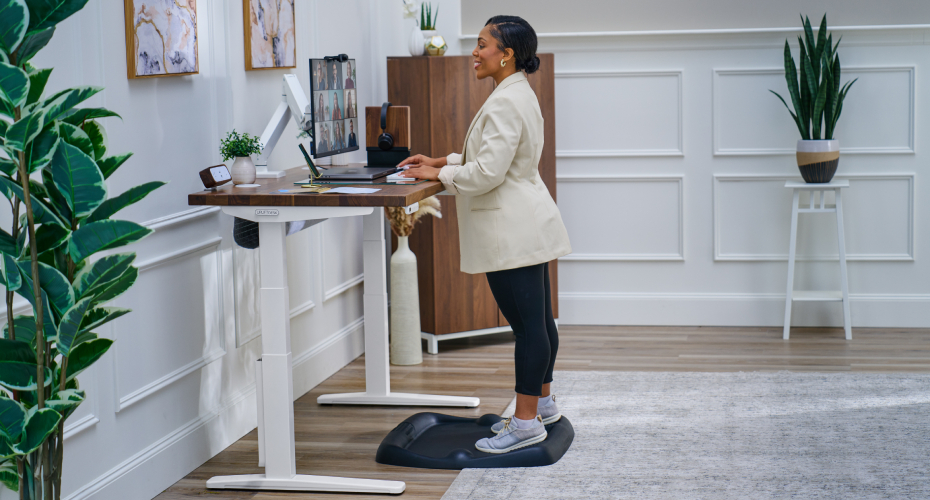
Standing activates the legs, glutes, and core, improves circulation, and raises alertness — making it the right posture for tasks that demand high engagement. Video calls. Active collaboration. Creative review. Anything where staying mentally upright matters.
The setup
|
Desk height Elbows at 90 degrees, wrists flat on the keyboard, shoulders relaxed. |
Monitor position Top of the screen at or slightly below eye level. Same target, different desk height. |
Floor surface An anti-fatigue mat reduces strain on the legs and lower back, making longer standing sessions sustainable. |
Standing fatigue is usually a configuration issue, not a posture issue. A desk even slightly too high or too low forces the shoulders to compensate. The UPLIFT ergonomic calculator uses your height to return the exact target.
Posture three: walking, for low-intensity work
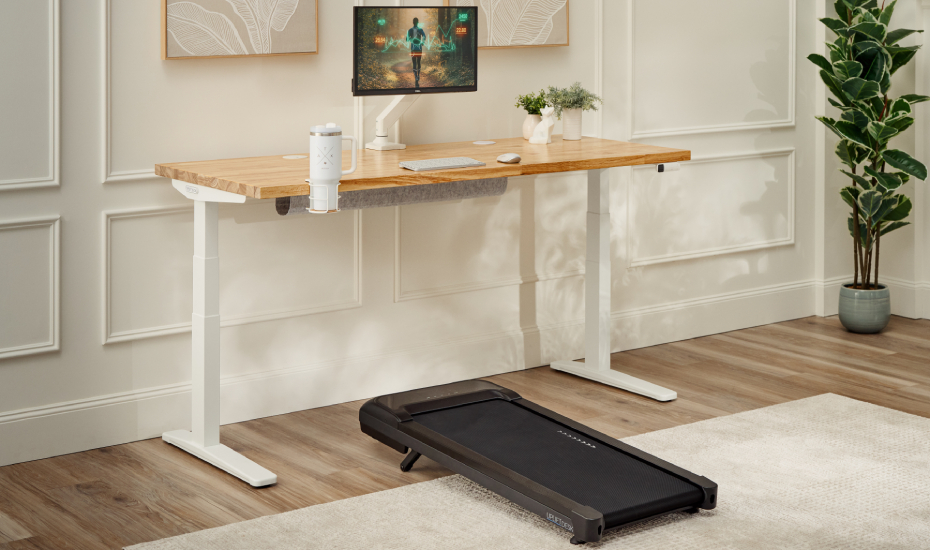
Walking is the third working posture, and the most overlooked. Configured well, walking earns a place alongside sitting and standing in the workday rotation.
A walking workstation suits low-intensity work that benefits from being in motion. Phone calls. Reading. Listening to recorded meetings. Email triage. Content review. Anything that doesn't require fine motor precision pairs well with a gentle walking pace.
The setup
|
Pace 1.5 to 2 mph. Slow enough for comfortable typing, fast enough to accumulate real movement. |
Desk height 1 to 2 inches higher than the standing preset, accounting for the elevation of the walking pad. |
Session length Two or three 15–20 minute sessions across a workday hold up better than one long block. |
Integrated walking converts sedentary time into active time and recovers the average desk worker's 4,000-step daily gap. Read more on how to move more without leaving your desk.
The transitions are the point
Three saved presets keep the desk ready for every posture in the rotation. Each height is one button press away, with no adjusting mid-task and no friction between positions. Without saved presets, every transition is a micro-project: adjust the desk, reposition the monitor, find the right height by trial. Friction wins. The desk stops moving.
Setting the presets correctly runs the whole system. How memory presets keep your standing desk ergonomically perfect covers finding the right heights, programming them in, and the calibration that keeps them accurate over time.
Built for the way you work
The UPLIFT V3 Standing Desk is built for you. Programmable height presets, a commercial-grade frame, and full compatibility with UPLIFT walking pads and accessories. Everything needed for the three-posture workspace in one desk.
Shop the UPLIFT V3 Standing Desk →
Work better. Live healthier.