Standard Office Chair Height: How to Measure and Adjust
The standard office chair seat height ranges from 16" to 21", with the Occupational Safety and Health Administration (OSHA)1 recommending a seat height that should adjust from 15" to 22" to accommodate a wider range of users. When a chair's properly adjusted, this range keeps your thighs level and feet flat on the floor, a neutral posture that helps maintain the spine's natural curvature and reduces strain. Of course, several other elements of seat configuration also affect how well an office chair fits person-to-person.
Standard office chair height and dimensions
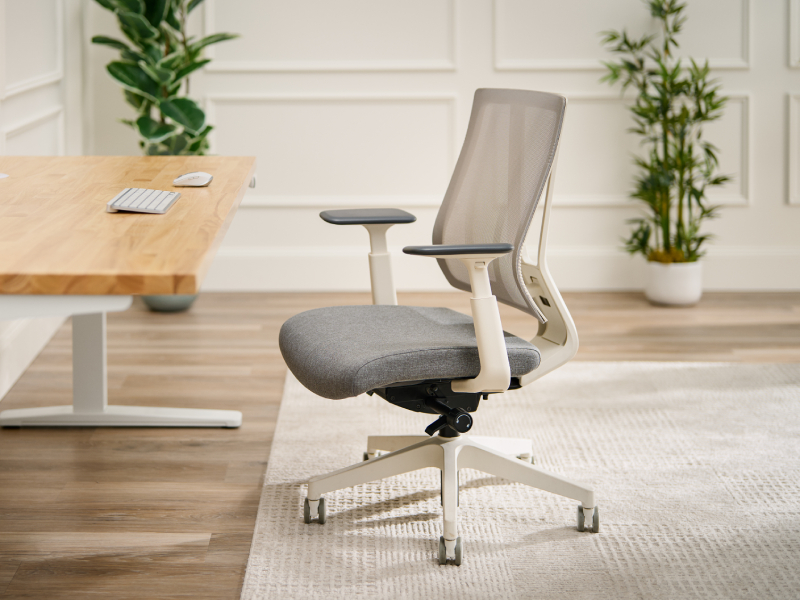
Use these ranges to compare chairs or check the one you already have. Where a range is listed, the chair should adjust across it so you can find your own setting within it.
| Dimension | Recommended range | Measured from | When it doesn't fit |
|---|---|---|---|
| Seat height | 15-22", adjustable | Floor to top of seat | Feet dangle or knees rise above hips, adding strain to the back and legs |
| Seat width | 18" minimum | Side to side across the seat | A narrow seat limits movement and restricts blood flow |
| Seat depth (seat pan length) | 15-17" | Front to back of the seat | Too long presses behind the knees; too short concentrates pressure under the hips |
| Backrest height | 17.7" minimum | Top of the seat cushion while seated | A short backrest leaves the upper back unsupported |
| Armrest height | 7-10.5", adjustable | Top of the seat cushion while seated | Too low causes leaning to one side; too high lifts the shoulders |
Source: OSHA Computer Workstations Purchasing Guide1
A 2016 study in the Journal of Physical Therapy Science found that seat height and posture "significantly influence" the load placed on the upper back muscles,2 which over time leads to muscle fatigue, discomfort, and, ultimately, pain. A June 2015 study by Kamil and Dawal3 found that neutral, or upright, postures—best achieved at the correct height—activated muscles less than those where the sitter leans their trunk forward. Seat height, then, has proven a critical characteristic in understanding and improving ergonomics.
According to OSHA,4 sitting in a chair with a seat too high either forces the sitter to work with their feet unsupported or shift forward to a degree that leaves their back unsupported. The spine has trouble maintaining its natural S-shape without proper back support, especially during prolonged sitting.
A seat pan's width and depth are similarly integral office chair dimensions. Sitting becomes an uncomfortable practice for anyone who regularly uses a desk chair with an inappropriately sized seat, since one that's too small limits movement and restricts blood flow to the lower extremities. Ideally, the seat cushion should be about as wide as the user's thighs, with 18" or so constituting the minimum recommended width.
The height of the user represents yet another important factor. For example, seat pans boasting a shorter depth puts excess pressure on the buttocks for taller sitters. Meanwhile, shorter people must contend with minimal back support and extra pressure around the knees when the pan runs too long.
How high should your desk chair be?
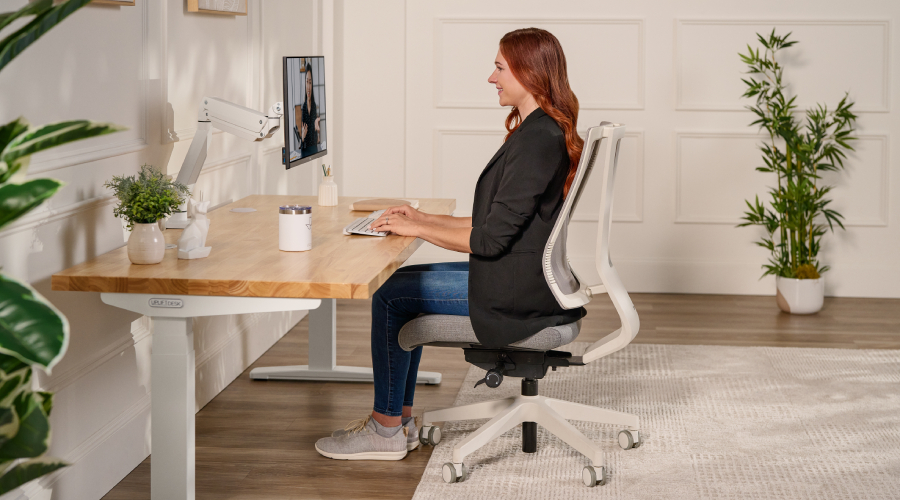
A desk chair should be high enough to support a neutral sitting posture, with a seat height within OSHA's recommended range of 15" to 22" off the floor. To determine the seat height that fits you best, sit in a desk chair and adjust it until your feet rest flat on the floor with your knees level with your hips and bent at about a 90° angle. Adopting this posture maximizes comfort and helps prevent lower back and leg pain.
How to measure and set your chair height
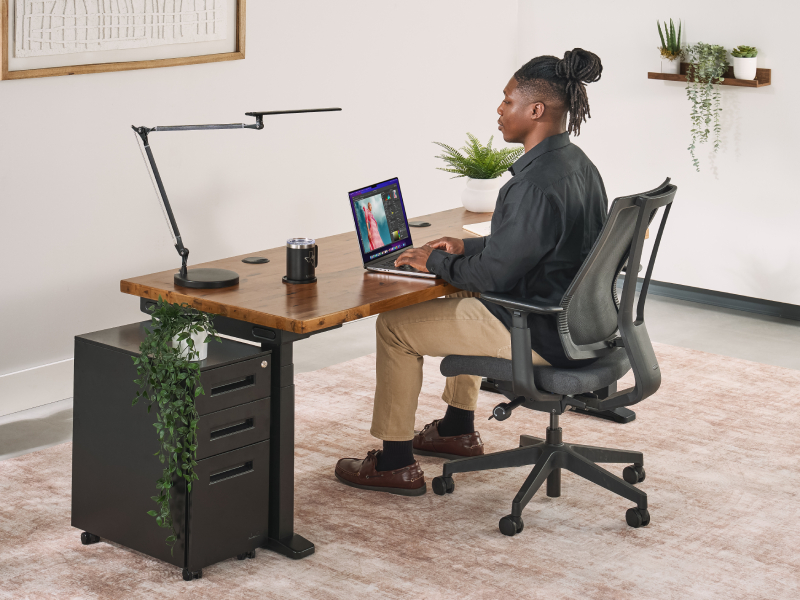
A chair height that perfectly suits one person may not work nearly as well for the next. People of differing heights have different body types and, thus, require specific chair adjustments to accommodate their needs. Fortunately, the height of most office chairs can be modified rather simply by manipulating the built-in lever.
Here's how to measure chair height:
- Stand by the chair.
- Raise/lower the chair's height until the top of the seat sits just below your kneecaps.
- Situate your knees near 90° once seated.
- Adjust for footwear and add a footrest if your feet do not reach the floor after measuring for chair height.
As long as the seat's highest point stops right below your kneecaps while standing, your feet should rest comfortably on the ground when seated. The main objective is to have your weight evenly distributed across the seat cushion, reducing the chances of pressure building behind the knees.
Match your chair height to your desk
Office furniture must accommodate a workforce that's persistently influx, resulting in the widespread use of standard furniture. These products typically align with the health and safety regulations outlined by the likes of OSHA, while simultaneously appealing to a broad range of users. However, as noted by the study Stuart Smellie published in Clinical Chiropractic,5 standard desks and chairs inevitably prove unsuitable for some workers. According to Smellie's findings, select features limit a "standard workstation's" widest use—a chair's height adjustment, armrests, seat depth, and the fixed height of the desk.
A fixed-height desk, in particular, forces chair-specific compromises. For instance, users may feel the need to compensate for their workstation's limitations by adding a footrest for optimum positioning. A non-adjustable desk that sits too low may require the sitter to lower the chair's seat height outside of a comfortable range. Standing desks erase these limitations, allowing deskbound workers to modify their workspace's sitting and standing positions at leisure. As such, when a user sets a desk chair to their preferred specifications, the standing desk can raise and lower in increments that ensure it matches the chair height.
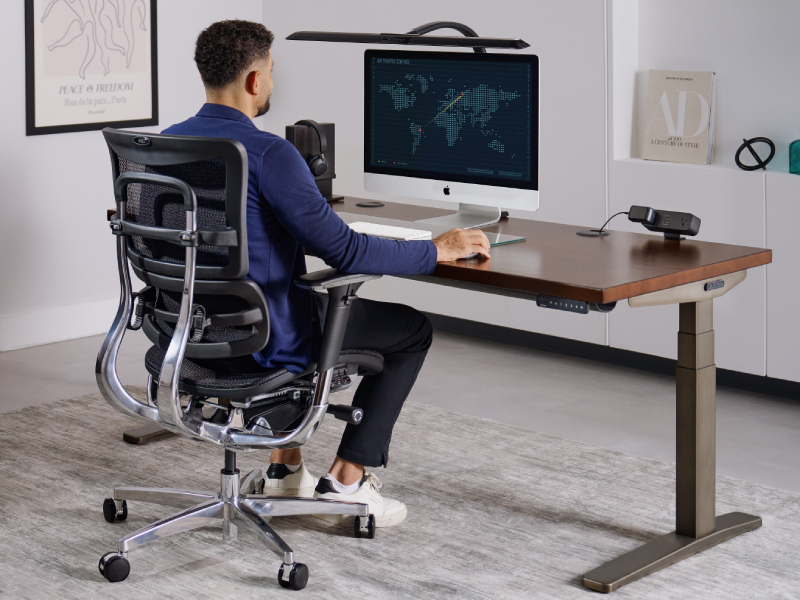
To match your chair and desk heights:
- First, set the chair.
- Adjust the desk to elbow height—forearm level, about a 90° bend at the elbow.
Get correct measurements with the assessment tool
Determine the proper desk and chair height for you with UPLIFT Desk's Ergonomic Calculator. Simply input your height into the calculator, accounting for shoe height, and get your personal measurements.
Other measurements that affect fit
Various measurements play a role in determining how well a chair fits. Figuring out the appropriate seat depth is as simple as sitting with your back flush against a chair's backrest. You've achieved the ideal seat depth if you can place two to three fingers between the back of your knee and the front of the seat.
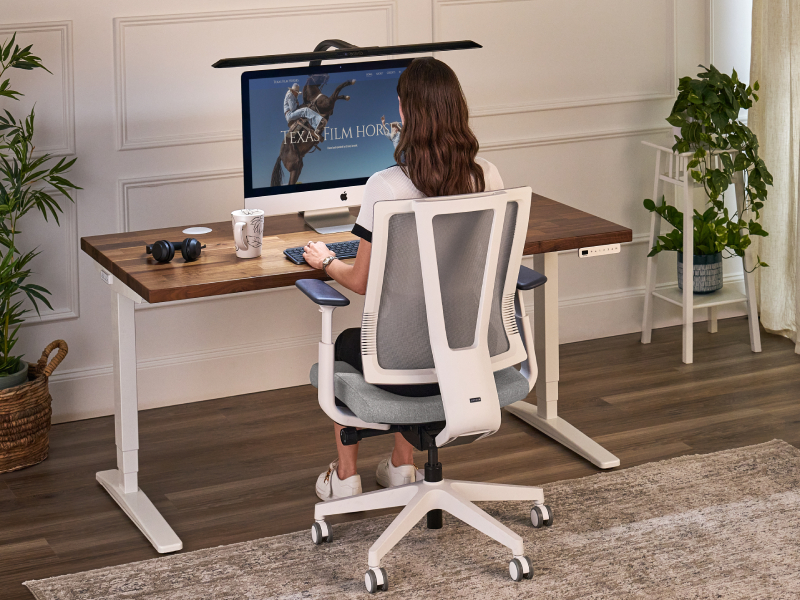
Adequate back support is essential for a sitting posture that ensures long-term comfort and maintains the spine's curvature. As such, by ANSI standards,6 the backrest should sit at least 17.7" above the compressed seat pan and include lumbar support adjustable from 5.9-9.8" above the compressed seat height.
A desk chair's armrests should provide a comparable level of flexibility, preferably adjusting from 7-10.5". Fixed armrests constrain users, forcing them to assume awkward postures in the absence of adequate support. For example, an armrest positioned too low will result in users leaning to one side, the consequence being an uneven sitting position that strains the shoulder, neck, and back muscles. Armrests stationed too high yield a similar outcome, mostly because the ensuing posture will elevate the sitter's shoulders.
Signs your chair is at the wrong height
Your chair is not adjusted to the proper seat height if you experience any of the following when sitting down:
- Dangling feet — Lower the chair's seat height, or add a footrest if your feet don't reach the floor.
- Pressure behind the knees — Lower the chair if you feel pressure behind your knees or near the front of the seat.
- Knees above the hips — Raise the chair if your knees settle above your hips when seated.
- Shrugged shoulders at desk — Adjust the armrests until your elbows bend at a 90° angle.
Understanding how to fine-tune your chair's adjustable height options to settings that fit you is a foundational part of securing a safe and more comfortable workstation. If you're still searching for a desk chair, browse UPLIFT Desk's range of fully adjustable ergonomic chairs.
Sources
- Occupational Safety and Health Administration, Computer Workstations eTool: Purchasing Guide Checklist.
- Bertolaccini GS, et al., The influence of seat height, trunk inclination and hip posture on the activity of the superior trapezius and longissimus, Journal of Physical Therapy Science, 2016.
- Kamil NSM, Dawal SZM, Effect of postural angle on back muscle activities in aging female workers performing computer tasks, Journal of Physical Therapy Science, 2015.
- Occupational Safety and Health Administration, Computer Workstations eTool: Chairs.
- Smellie S, Clinical Chiropractic, 2003.
- ANSI/HFES 100-2007, Human Factors Engineering of Computer Workstations.
Work better. Live healthier.