Does an Ergonomic Office Chair Need a Headrest?
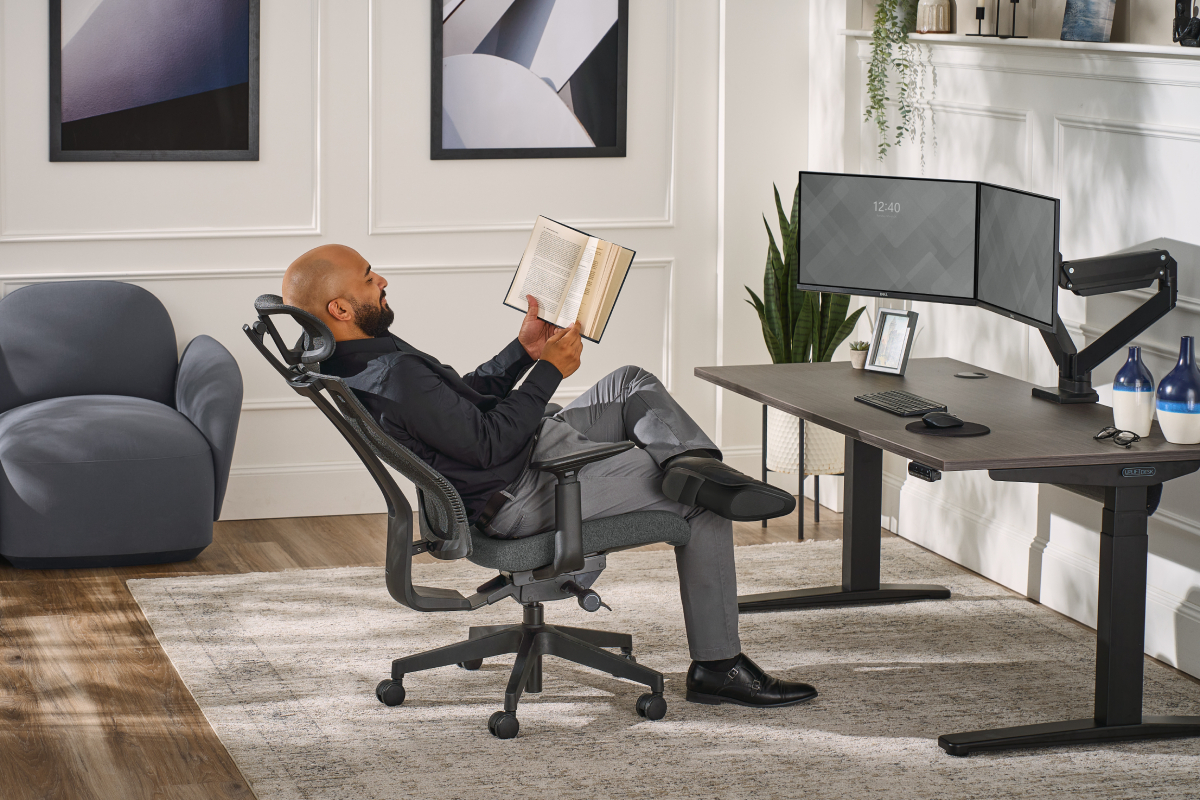
Ergonomic office chairs support the body's natural posture through long stretches of seated work, easing strain on the back, neck, and shoulders. Many models include an integrated or optional headrest, but good ergonomics doesn't depend on one. A headrest is most useful for people who recline often, lean back between tasks, or finish the workday with neck and shoulder fatigue.
The purpose of a headrest
A headrest gives the user a place to rest their head while reclined. With the head supported, neck muscles and the upper spine can relax into the chair, and the upper back stays against the backrest without hunching forward. The US Occupational Safety and Health Administration (OSHA) describes a neutral posture as one where the joints are naturally aligned, with the head level, balanced, and generally in line with the torso. Some people find that alignment hard to hold during reclined or semi-reclined work without extra support.
Benefits of an office chair headrest
A common misconception suggests that an office chair without a headrest may lead to neck pain. Neck pain often stems from an inadequate workspace setup, but a headrest still offers the following benefits:
- Support good posture while reclined
- Minimize strain by allowing neck and upper back muscles to relax
- Keep the head and neck aligned with the spine when leaning back
- Provide passive support for users with special needs or chronic pain
Why some ergonomic chairs don't have a headrest
Plenty of well-regarded ergonomic chairs ship without a headrest or offer one as an add-on. Whether a chair needs one comes down to how the principles of ergonomics apply to upright and reclined sitting.
Ergonomic chairs encourage active sitting, which keeps the body moving and engages the core and back muscles to hold the spine in its natural alignment. In an upright position, a healthy neck and spine carry the head without help, so the backrest and lumbar support already cover the essentials.
During upright, forward-facing computer work, the head should sit balanced over the spine, tilted neither forward nor back. A headrest set too far forward can push the head out of that balance and create the strain that ergonomic chairs built for posture support are meant to prevent.
Fit is another factor. Head and neck shapes vary widely from person to person, so the right headrest position differs from one user to the next. Height, angle, and pivot adjustments let each user set the support at the back of their own head.
Does your ergonomic chair need a headrest?
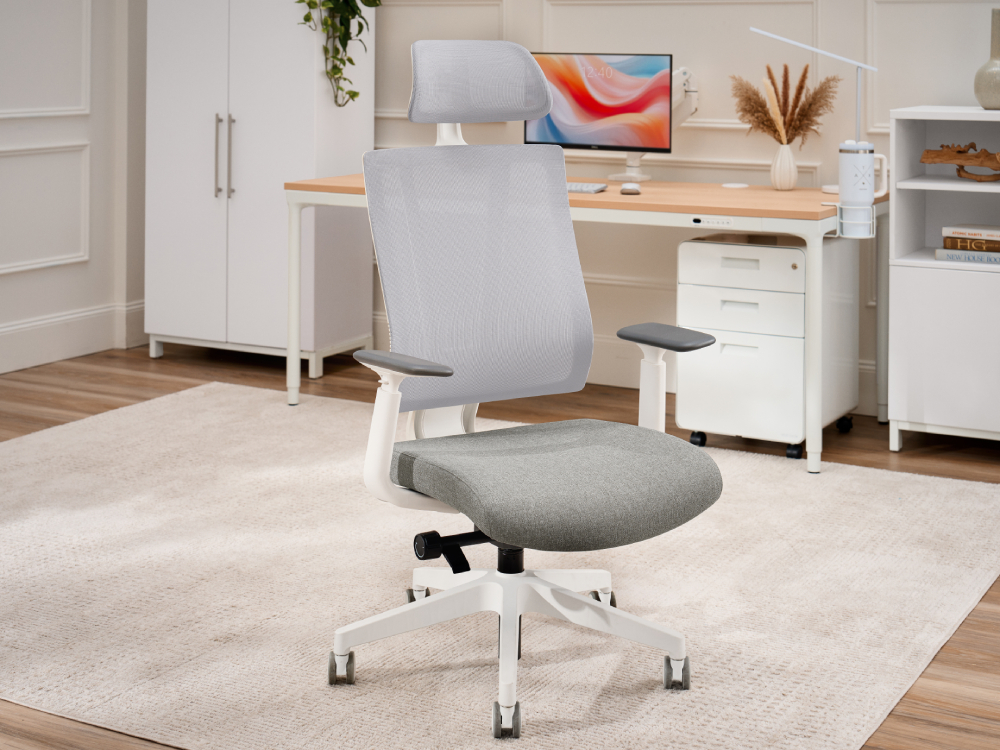
OSHA's workstation evaluation checklist treats a headrest as conditional: If a chair has one, the headrest should be adjustable and "not push the head forward past neutral." A chair with a supportive backrest may be all an upright worker needs, while someone who spends part of the day reclined or semi-reclined will likely benefit from a headrest.
When a headrest helps
- You regularly recline while working
- You end work sessions with neck and shoulder fatigue
- You want head and neck support while leaning back during breaks
- You have a condition or need that benefits from passive head support
Shopping for an ergonomic chair?
The Ergonomic Chair Buying Guide walks through the adjustments that matter most, from lumbar support to seat depth, to help you find a chair that fits how you work.
How to position an office chair headrest
A properly positioned headrest meets the back of the head and leaves the neck free. That placement helps the neck keep its natural curve during seated tasks, while a misaligned headrest can strain the neck, shoulders, and upper back.
Headrest setup tips
- Establish a stable working position first by adjusting the seat height and backrest so you can work without reaching.
- Raise or lower the headrest until the cushion meets the base of your skull, with your neck in a neutral position.
- Check that the headrest doesn't push your head forward or back while you type or do other upright tasks.
- Recline as you normally would and confirm the contact feels light, with your chin level.
Risks of a poorly aligned headrest
| Incorrect headrest position | Result |
|---|---|
| Positioned too low | Pressure concentrates on the neck and tips the chin up |
| Positioned too high | Contact near the crown of the head bends the neck out of alignment |
| Angled too far forward | Pushes the head forward and drives the chin down |
| Angled too far back | Forces you to crane your neck back to reach the cushion, pulling the upper back off the backrest |
| Loose or unstable | Shifts or slips out of position and stops supporting the head and neck |
Ergonomic office chairs with headrests
An office chair doesn't need a headrest to be ergonomic, but an office chair with a headrest benefits anyone who reclines during long work sessions or regularly deals with neck fatigue. The ergonomic chair collection includes several models with integrated or optional headrests:
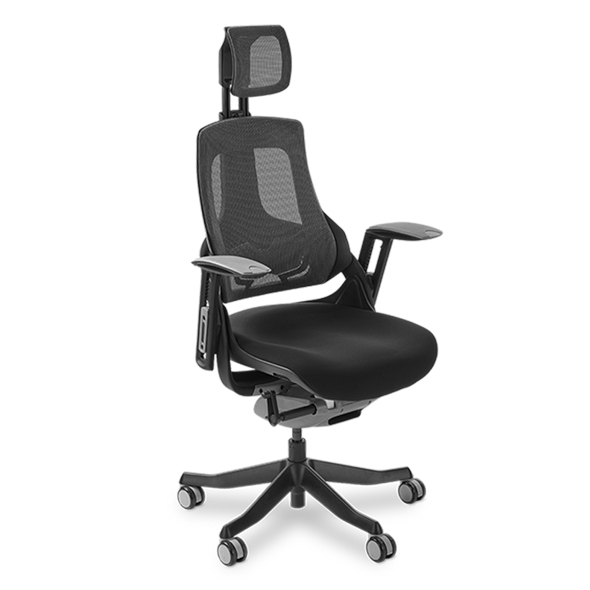
Headrest: Integrated, breathable mesh
Headrest adjustments: Height (largest range of any UPLIFT Desk chair)
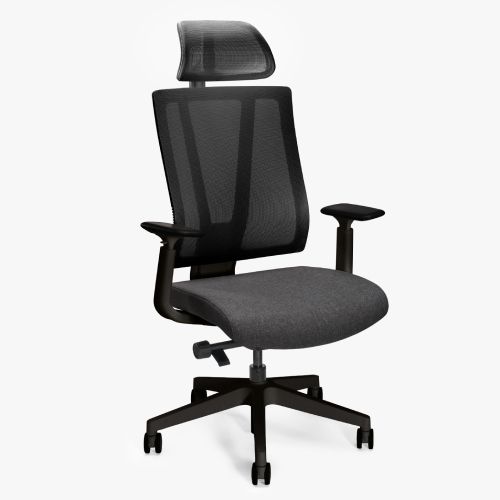
Headrest: Optional add-on, breathable nylon mesh
Headrest adjustments: 2" height, 35° pivot
The headrest slides up or down for a precise fit and pivots smoothly to keep support steady across a range of recline angles.
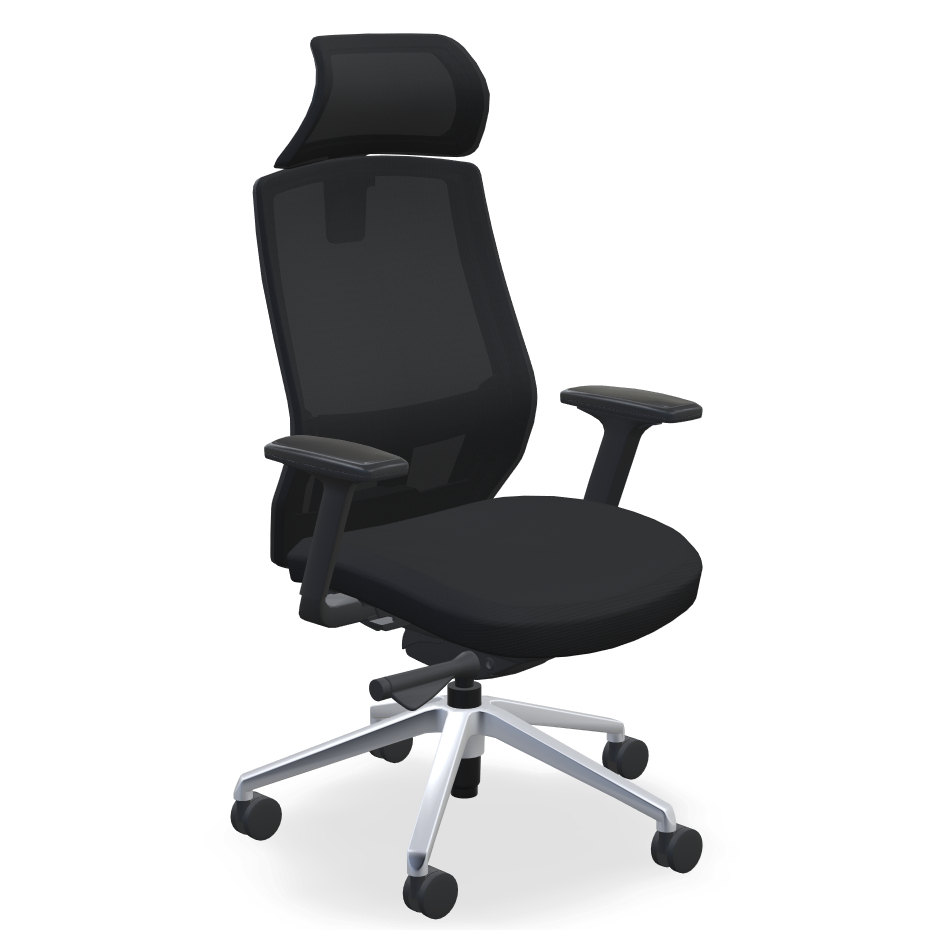
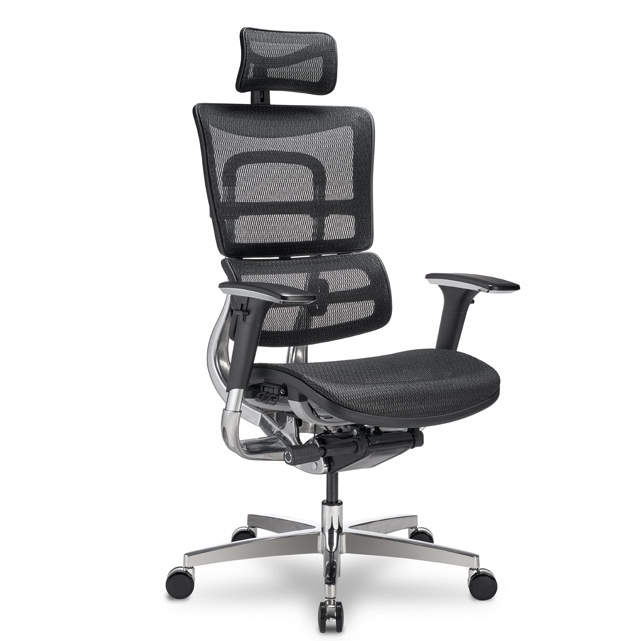
Headrest: Included, removable
Headrest adjustments: Height and pivot angle
Explore ergonomic office chairs to find the right fit for your workspace.
Work better. Live healthier.