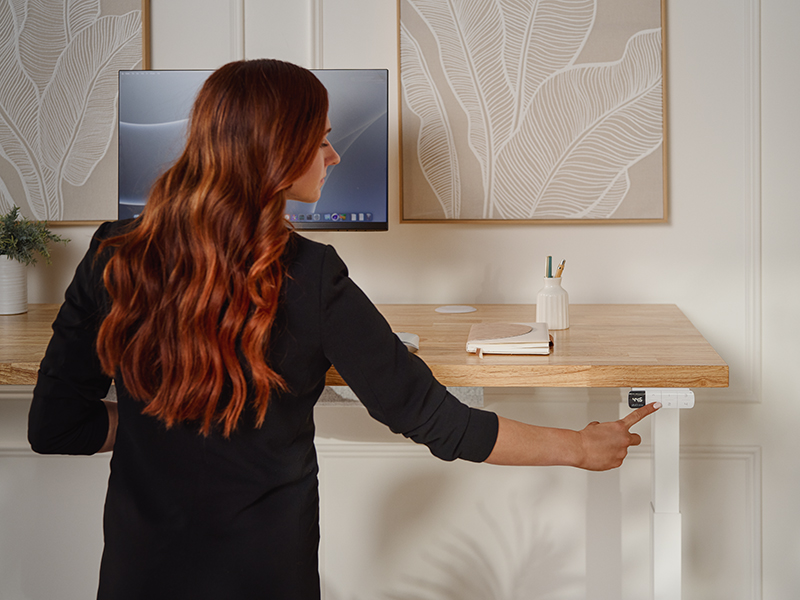
Start the Year Pain-Free: How Memory Presets Keep Your Standing Desk Ergonomically Perfect
New year, new workspace goals. Workplace ergonomics isn't a one-time fix. It requires consistent habits that protect your body every day.
That's where standing desk memory presets come in. If you're not using them (or didn't know they existed), you're doing yourself a disservice. These programmable buttons eliminate the guesswork from adjusting your desk, locking in your ideal sitting and standing heights so you hit the perfect ergonomic position every time. No eyeballing. No "close enough." Just press a button and you're there.
Pair that with a quick desk reset to start the year calibrated, and you've got a workspace that supports your body without requiring constant attention.
Why memory presets matter for long-term comfort
Without utilizing presets, you'll consistently adjust the desk manually when switching positions. You might get the desk height right on Monday. By Wednesday, you're half of an inch off. By Friday, your monitor's at the wrong angle and your wrists are compensating. These small inconsistencies add up over weeks and months, leading to neck strain, shoulder tension, and lower back discomfort.
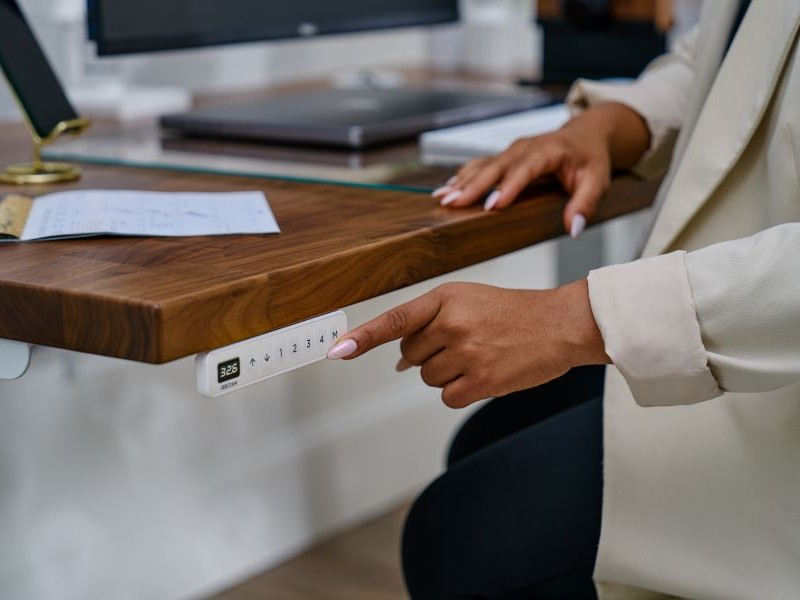
Memory presets solve this problem by removing human error from the equation. Once you've dialed in your perfect desk heights, those positions will be forever saved into your keypad, unless they are reset. The press of one button brings you to the ideal sitting height for correct ergonomic posture. Another button moves the desk to your ideal, ergonomic standing height. Same position, every single time.
This consistency is what prevents ergonomic drift — the gradual slide back into uncomfortable postures that happens when relying on feel instead of measurement. Your body notices the difference, even if you don't consciously register it at the moment.
Finding and programming your perfect desk heights
Before you save your presets, you need to know what heights actually work for your body. If you want precise measurements based on your height, our ergonomic calculator will give you exact desk and monitor positioning recommendations. Or use this quick ergonomic checklist:
For sitting:
- Your elbows should rest at 90 degrees when typing, with forearms parallel to the floor
- Your monitor should be at eye level, about an arm's length away
- Your feet should rest flat on the floor (or on a footrest if needed)
For standing:
- Same elbow and monitor rules apply
- Your weight should be evenly distributed across both feet
- Avoid locking your knees. Keep a slight bend
Once you've found these positions, it's time to program them into your desk. The process varies depending on your keypad, but UPLIFT Desk makes it straightforward. Our desk assembly and programming guide walks through the specific steps for each keypad model, complete with videos and visual instructions.
Pro tip: Don't lock in your presets on day one. Spend a few days testing your heights and making small adjustments. Once you've found the sweet spot that feels comfortable for extended periods, then save it permanently in your memory preset buttons.
When and how to reset your standing desk
Just like any electronic device, your standing desk benefits from an occasional reset. Resetting the desk doesn't reset your saved memory presets. This recalibrates the motor system, ensures accurate height readings, and can resolve minor performance issues before they become bigger problems.
You don't need to reset your desk constantly. This is preventive maintenance, not a weekly ritual. Good times to perform a reset include:
- When you first set up your desk
- At the start of a new year (or whenever you're doing a workspace refresh)
- If the desk feels sluggish or doesn't respond smoothly
The reset process is simple and takes less than two minutes. Your desk needs to travel from its highest position down to its lowest position without stopping, which allows the system to recalibrate its range of motion.
You'll find detailed reset instructions on our desk reset and troubleshooting page, with step-by-step guidance for different keypad models. The page also covers what to do if you encounter error codes like "ASr" (which actually means the desk is prompting you to perform a reset) or if the desk stops mid-adjustment.
Bookmark this resource for year-round support
The same pages that cover presets and resets also include comprehensive troubleshooting guides. Bookmarking these resources means you're covered if something comes up.
Whether your desk isn't responding to the keypad, you're seeing an unfamiliar error message, or something just feels off, the troubleshooting page walks through solutions for the most common issues. Most problems can be resolved in minutes without needing to contact support.
Having these guides saved means you're never stuck wondering what to do if your desk acts up. It's one less thing to worry about. And if you still have questions, you can always contact UPLIFT Desk. We're here to help, Monday-Friday 8am-6pm Central and Sat 9am-6pm Central.
Set it once, benefit all year
A pain-free year looks like this: You program your memory presets once, spend two minutes performing a reset to ensure everything is calibrated, and then get back to work. Once your desk height is set, you don't have to think about it again.
No daily adjustments. No wondering if you're at the right height. No gradual slide back into poor posture. Your desk does the height consistency work for you.
If you already own an UPLIFT Desk, take 2 minutes this week to dial in your presets and perform a quick reset. If you're considering a standing desk, know that memory presets aren't just a nice feature. They're the difference between good intentions and actual ergonomic results.
Ready to make this the year your workspace actually supports you? Explore our standing desks with programmable memory presets, or if you're already an UPLIFT Desk owner, bookmark our preset and reset guide to keep your desk dialed in all year long.
Work better. Live healthier.